
How the seed calculation works
Multiply the field area by the seed rate, using matching area units. The calculator converts your selected units before calculating the total mass. Divide that mass by your bag weight and round upward to get whole bags.
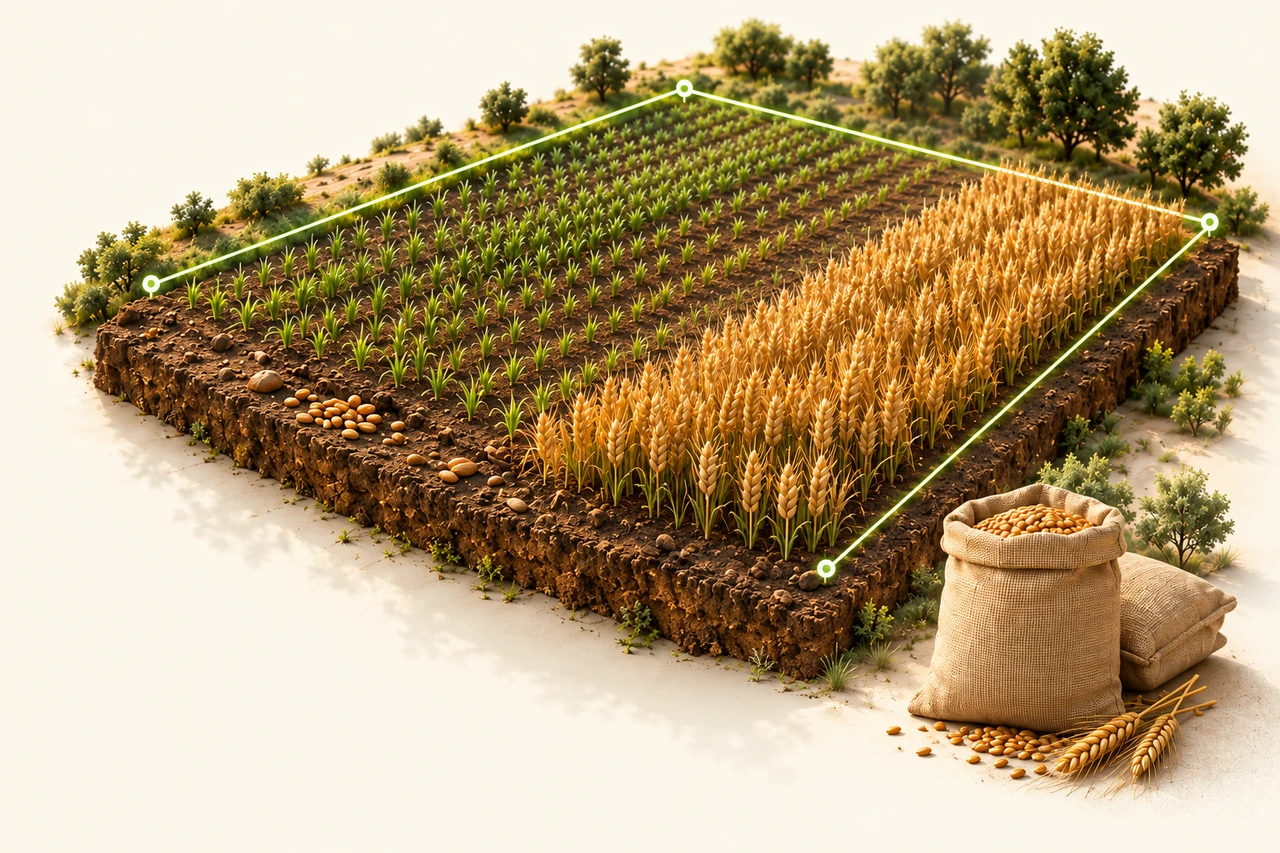
In this example, 2.5 hectares at 180 kg per hectare needs 450 kg of seed. At 25 kg per bag, that is exactly 18 bags.
Use a rate appropriate to your seed
The 180 kg/ha value is an editable example, not a recommended wheat rate. Enter the rate specified for your seed, intended use and local conditions. This tool performs a quantity calculation; it does not determine an agronomic target, germination allowance or crop yield.
Why bags are rounded up
Whole bags must cover the calculated seed quantity. For example, 451 kg in 25 kg bags needs 19 bags, providing 475 kg. The extra 24 kg is displayed separately. Field loss or other allowances are included only if you build them into the rate you enter.
Turn a package coverage rate into a calculator input
Suppose your product instructions state 3 kg per 100 m². This is an arithmetic example, not a rate recommendation. First convert the coverage rate to one of the units available in the form.
| Choose this rate unit | Enter this number | Meaning |
|---|---|---|
| g/m² | 30 | 30 grams for each square metre |
| kg/ha | 300 | 300 kg for 10,000 m² |
| kg/decare | 30 | 30 kg for 1,000 m² |
Check it on a 200 m² area
With Area = 200 m², Rate = 30 g/m² and Bag weight = 2 kg, the result is 6 kg, or three whole bags. The 300 kg/ha and 30 kg/decare entries above give the same result. Do not enter 3 as kg/ha: that would describe a different rate.
Keep the rate and seed-quality figures separate
A germination percentage is not a kg/ha rate. Seed tags can also describe purity and pure live seed (PLS). If your instructions use a PLS basis, obtain the corresponding product-as-sold mass rate before entering it; this calculator does not perform that adjustment. USDA NRCS: seed tags and PLS-based rates (PDF).
Check these three things before ordering
- Use the area that will actually be sown. Exclude paths, buildings and other unseeded sections from your area total; avoid subtracting overlapping exclusions twice.
- Match the package rate to the selected rate unit. Then enter the net weight of one bag in kg, rather than its coverage area or the weight of all bags combined.
- Compare the required kg with the total capacity of the rounded-up bags. The displayed extra seed is the remainder after bag rounding; it is not an automatically added field-loss allowance.
For an area copied in acres, this calculator uses the international acre: 4,046.8564224 m². Check the area-unit selection before copying the number. NIST: exact international acre conversion.
Questions about seed quantities
Can I calculate in acres or square metres?
Yes. Choose square metres, hectares, decares, international acres or square feet. The rate can be entered in kg per hectare, kg per decare or grams per square metre; the calculator handles the conversion.
Does this choose a seed rate for my crop?
No. You supply the seed rate. Crop variety, seed quality, target density and field conditions require their own decisions; the example values are not a prescription.
Does the map transfer my field automatically?
The map link opens the existing area-measurement tool. Measure your field there, then enter the result in this calculator. The current page does not import a boundary or location automatically.