
How to measure a circle on the map
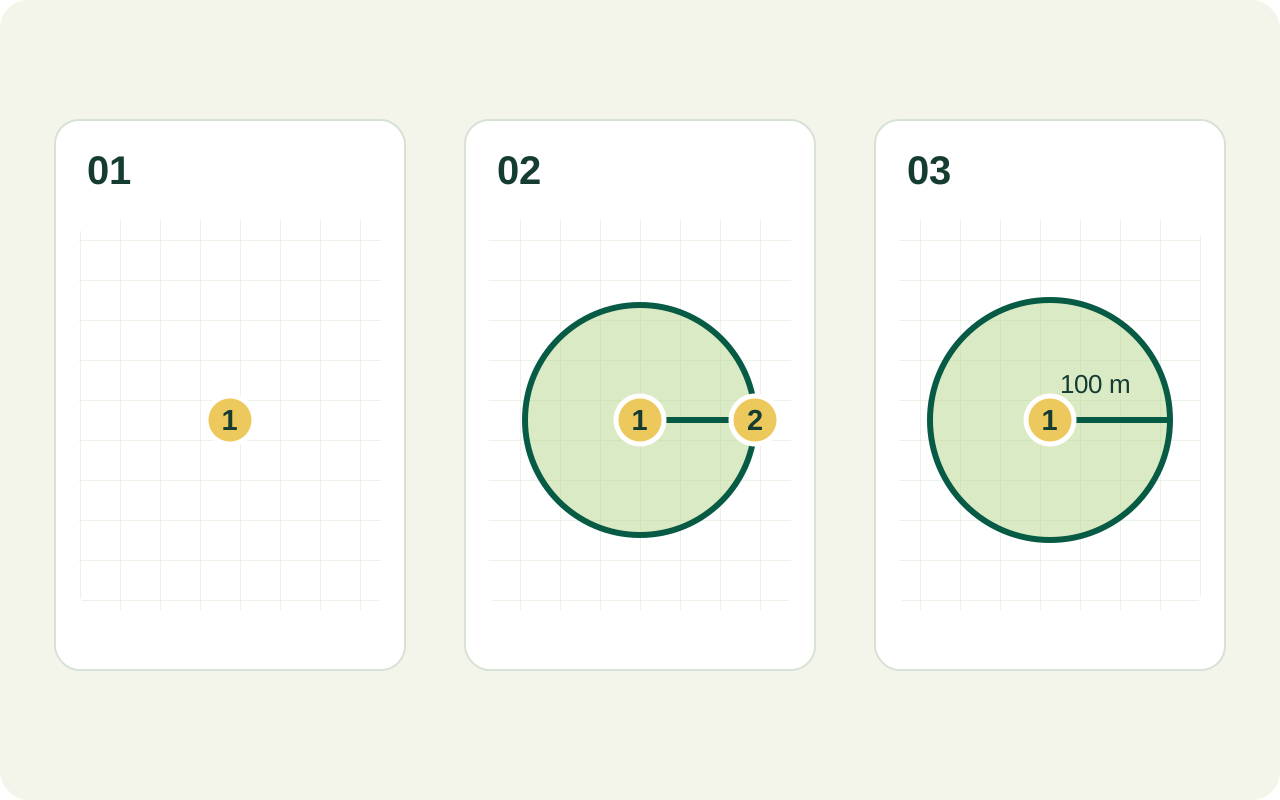
- Find the site. Start the circle tool and move the map to the place you want to examine. Zoom in until landmarks and the intended centre are clear.
- Choose the centre. Tap the location from which you want equal distance in every direction. This creates a circle with a default radius that you can edit.
- Adjust the radius. Drag the circle’s existing edge handle or enter the required value in the Circle Radius card. The distance from centre to edge is the radius, not the full width. Set it for your purpose before using the result.
- Review the circle and result. Check its position against roads, buildings and field edges. Read its estimated area and perimeter with the displayed units.
A circle is useful when your question is “what lies within this distance of a point?” For the area of a real plot, follow its actual boundary with the map area calculator.
Radius is half the diameter
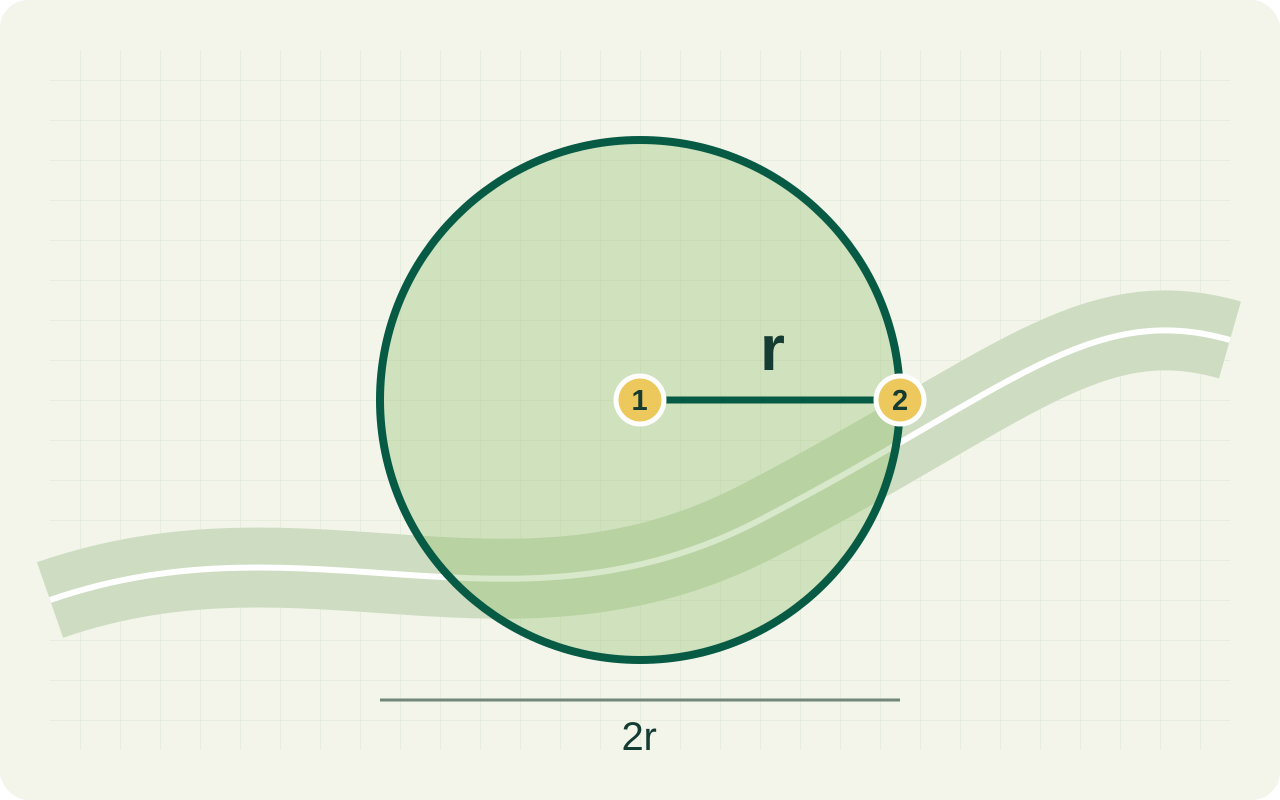
The radius runs from the centre to the edge. The diameter crosses the entire circle through its centre. The circumference is the length around the edge, also called the circle’s perimeter.
| Quantity | Formula | Units when r is in metres |
|---|---|---|
| Diameter | 2 × r | m |
| Area | π × r² | m² |
| Circumference | 2 × π × r | m |
Doubling the radius doubles the diameter and circumference, but makes the area four times as large. Convert the radius to a single length unit before using a formula, then convert the resulting area separately.
Example: a circle with a 100 m radius
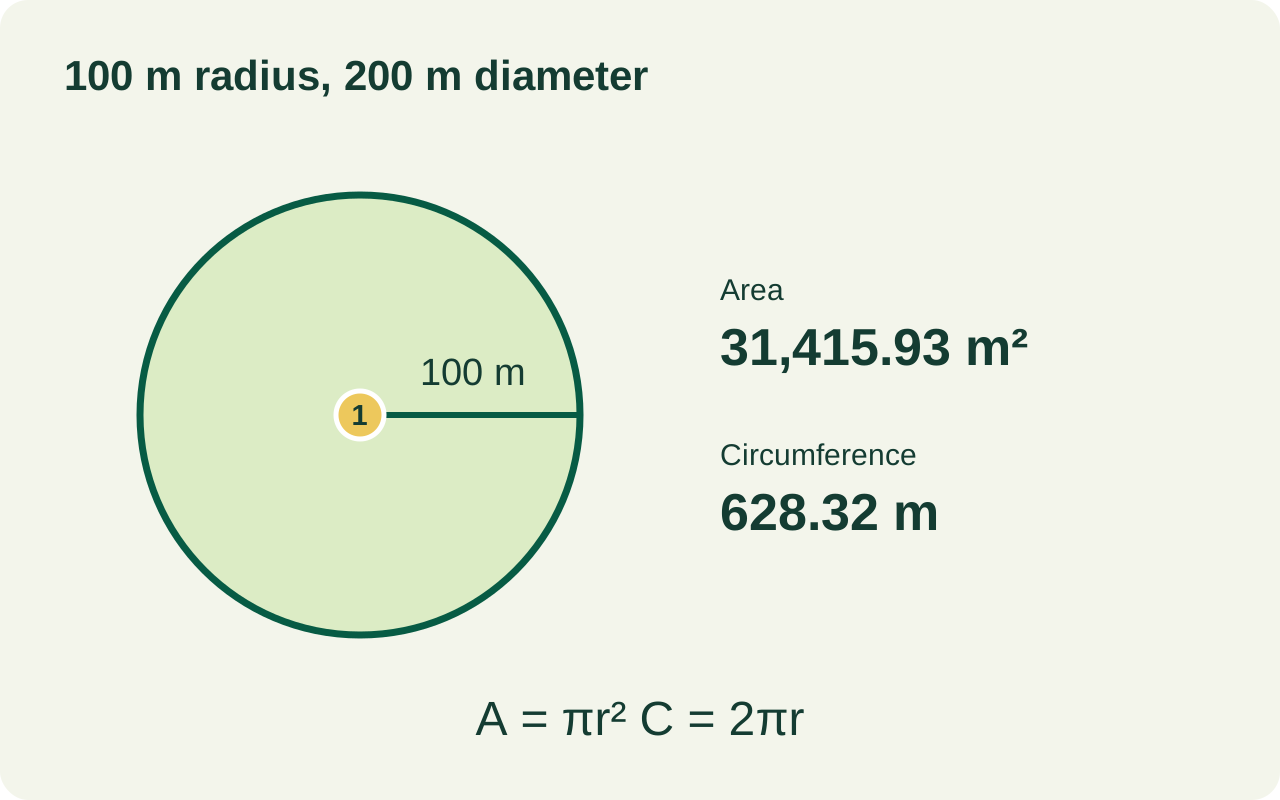
Illustrative calculation: a radius of 100 m gives a diameter of 200 m, an area of approximately 31,415.93 m² (3.1416 hectares) and a circumference of approximately 628.32 m.
That result describes an ideal circle. If a road or building falls inside it, the circle still includes that space. Its area does not automatically describe usable ground or accessible land.
A circle can help with early coverage planning, but does not establish network signal, irrigation performance or travel distance. Map alignment and point placement also affect the estimate; verify important dimensions on site.
Map radius calculator questions
Should I use radius or diameter for a circle 200 m wide?
If 200 m is the full width through the centre, it is the diameter. The radius is 100 m. Using 200 m as the radius would give four times the intended area.
Can a circle measure my irregular field?
It measures the circle you define, even where that circle extends beyond the field. Use a boundary outline for an irregular field, following its corners and bends rather than replacing it with a circle.
Does being inside the circle mean a place is reachable or covered?
No. A circular map estimate does not account for road access, obstacles, terrain or the operating conditions of equipment. It is a planning reference, not a guarantee of access, signal or engineering performance.
Is the circle a legal property boundary?
No. A circle drawn on a map does not establish ownership or replace a professional survey. Use authoritative records and appropriate surveying for legal boundaries.
Choose the measurement that fits your question
An actual land boundary
Use the area calculator and our guide to tracing land area when the edge is irregular.
A line or winding path
Use the distance calculator. Read map distance versus driving distance before treating a line as a route.
An area in another unit
Convert a known result with the area unit converter, or browse all measurement tools.